How To Use TikTok Stitch

Maxime Dupré
9/26/2026
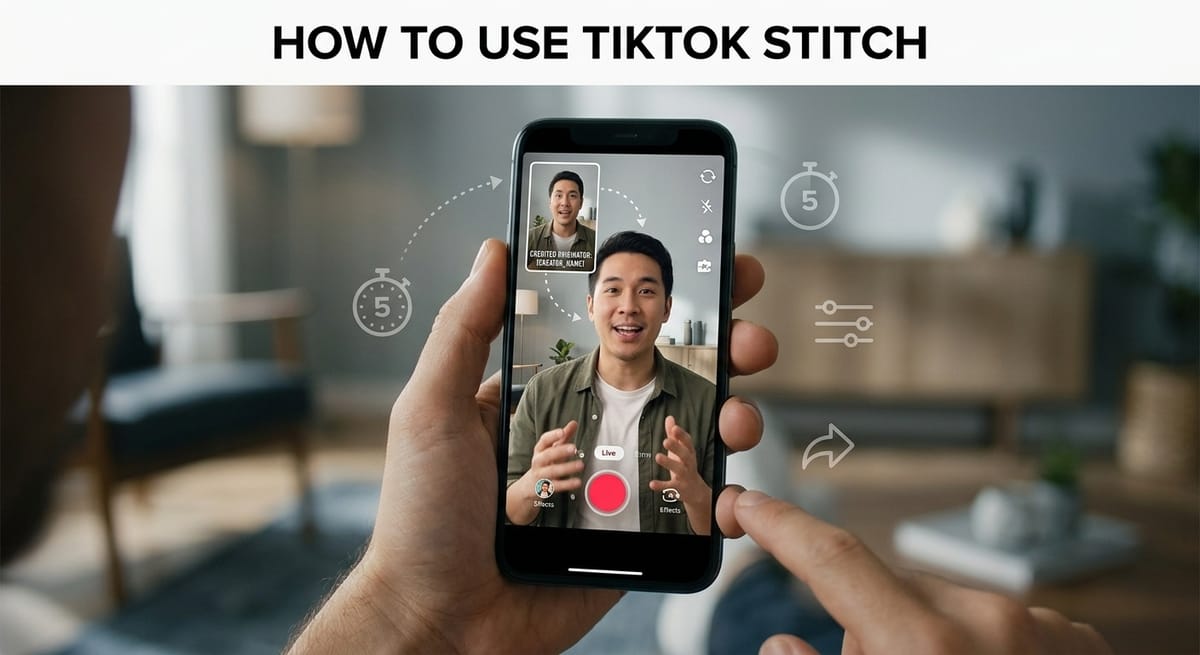
TikTok Stitch lets you borrow up to five seconds of another creator’s video and play your own footage right after it. The original creator gets credited on the post by default.
Below, you’ll find how to use TikTok Stitch step by step, why the option goes missing on some clips, who can reuse your videos, and what happens once a Stitch is live.
How to Use TikTok Stitch on Another Creator’s Video in 7 Steps
Everything happens inside the TikTok app. Find the clip you want to answer, then work through these steps.
Open the video and tap Share, the arrow on the right side of the screen.
Tap Stitch. Drag the slider to pick the part you want, then tap Next.
Set how long your own recording can run, up to TikTok’s limit.
Press the red record button to start filming. Tap the checkmark when you’re done.
Add filters, text, stickers, effects, or voice effects. Want different audio? This guide on adding music to a TikTok clip covers the sound library.
Tap Your Story to send it straight to Stories, or tap Next for more edits.
Tap Post to publish it. Or save it to Drafts, which only you can see.
Caption, Hashtags and Audience Settings on the Post Screen
Tapping Next in step 6 opens the post screen. Here you can write a description, add hashtags, and mention other users.
Our breakdown of ranking TikTok videos in search explains how hashtags and captions affect discovery. The same screen also lets you tag a location, add a link, and choose who can watch.
Not ready yet? You can keep a copy of your TikTok draft on your phone before posting. Drafts sit in a private folder until you publish them.
How Long Can a TikTok Stitch Be?
TikTok caps the borrowed part at five seconds. The slider in step 2 trims it to anything from one to five seconds.
Your own footage follows TikTok’s normal camera limits, which you set in step 3. The finished Stitch plays the borrowed clip first, then cuts to you.
Why Can’t I Stitch on TikTok? 3 Reasons the Button Is Missing
When Stitch doesn’t show up, the cause is almost always the other account. Your app is rarely the problem.
The first reason is simple. The creator turned Stitch off, either for every post or for that one video. Plenty of creators do this.
The second is account type. Only public profiles can allow Stitch, and our guide to switching a TikTok profile to private shows where that setting lives. A private account can’t grant Stitch access to anyone.
The third is age. Accounts under 18 run on stricter defaults for reusing videos.
Who Can Stitch Your Videos: TikTok’s 3 Permission Levels
Open Settings and privacy, then Privacy, then Stitch. TikTok gives you three choices.
Everyone lets any user Stitch your videos, as long as Stitch is on.
Friends limits it to followers you follow back.
Only you blocks everyone else.
Turning Off Stitch for Old Posts or a Single Video
The reuse of content setting switches Stitch off across all your existing videos at once. You can also turn it off post by post from each video’s privacy menu.
New uploads have their own toggle. Look for Allow Stitch on the post screen before you publish.
What Happens After Someone Stitches Your TikTok
The Stitch shows up on the maker’s profile, not yours. Your original video stays on your own page.
The maker’s privacy settings decide who can watch, comment on, download, or interact with the Stitch. You still control replies on your original, and this guide to filtering TikTok comments covers keyword and spam controls. Those tools don’t reach the Stitch itself.
Tightening your settings later won’t erase old Stitches. Neither will deleting your video. You can remove Stitches tied to your post, and our walkthrough on taking down a Duet or Stitch lists each tap. Existing Stitches stay live until you do.
TikTok Stitch Rules for Users Under 18
Teen accounts follow separate Stitch defaults. TikTok’s privacy and safety settings for teens list which options apply at each age.
Some choices may be locked. Check that page before changing Stitch permissions on a teen account.
Stitch vs Duet: Which TikTok Reply Format Fits
A Duet plays your video side by side with the original. A Stitch plays the borrowed clip first, then your footage.
Stitch suits answers, follow-ups, and punchlines. For reactions that need both clips on screen, our guide on making a Duet on TikTok explains the split layout. Both features share similar permission settings.
Reporting a TikTok Stitch That Breaks Privacy Rules
Some Stitches cross a line. If one breaches your privacy or TikTok’s Community Guidelines, open it, tap Share, and choose Report.
This walkthrough on flagging a video on TikTok explains each report reason and what happens next. Privacy claims go through TikTok’s privacy complaint form instead.
FAQs
Can you Stitch on TikTok with a video from your camera roll?
Partly. The borrowed clip must come from a TikTok post. Recent app versions let you upload a gallery video for your own part instead of recording on the spot.
Can you Stitch your own TikTok video?
Yes. Open your public video, tap Share, and choose Stitch. The steps match stitching someone else’s clip, as long as Stitch is turned on for that post.
Can you Stitch more than 5 seconds on TikTok?
Not with the Stitch tool. TikTok caps the borrowed part at five seconds. Longer clips need outside editing and a normal upload, which drops the credit link to the original.
Is there a Reddit fix for a missing TikTok Stitch button?
No hidden setting exists. Whether the question comes up on Reddit or elsewhere, the cause is the same: Stitch is disabled, the account is private, or teen defaults apply. Updating the app rules out glitches.
Can you Stitch a Reddit video on TikTok?
No. Stitch only works with videos already posted on TikTok. A Reddit clip must be uploaded as a regular post, with the owner’s permission, and it won’t carry a Stitch credit link.