How to Turn On Profile View History on TikTok

Maxime Dupré
8/5/2026
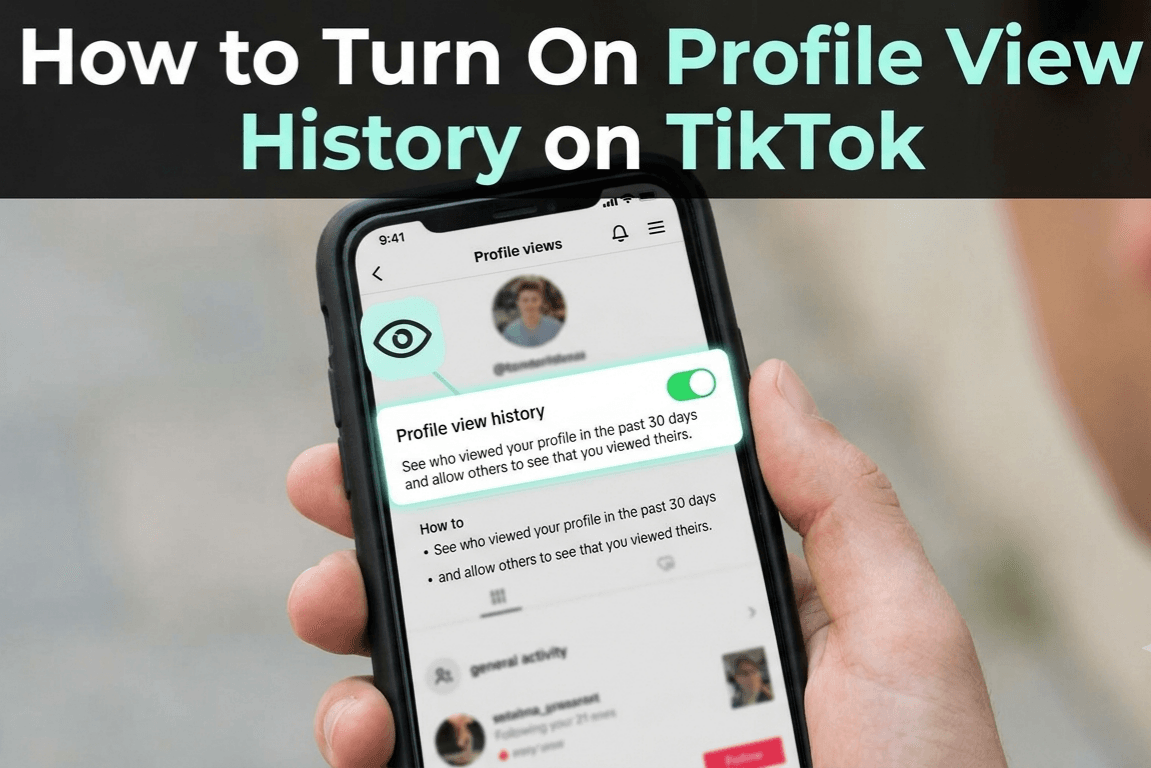
TikTok’s profile view history shows which accounts opened your page over the past 30 days. The setting is off by default, so most people never know it exists. This guide covers how to turn on profile view history on TikTok, who qualifies for it, what you trade away by enabling it, and how to switch it off when you want to browse unseen.
Can You See Who Viewed Your TikTok Profile?
Yes, within limits. TikTok removed its original visitor log in mid-2020, then brought the feature back in 2022 after testing it with smaller groups of accounts.
The current version only records profile visits, not video views. Someone can watch every clip you post without ever appearing on the list. They only show up if they opened your actual profile page.
There is a second catch. You only see visitors who have also turned the feature on. Anyone with it disabled stays invisible, no matter how often they check your page. If that gap bothers you, our privacy playbook for TikTok creators covers what else your profile reveals.
Who Can Use Profile View History on TikTok
TikTok restricts the feature to accounts that meet two conditions. You must be at least 16 years old, and you must have fewer than 5,000 followers.
Cross the 5,000 follower mark and the option disappears from your settings. That explains why some accounts see the eye icon on their profile while others find nothing. It is not a glitch, just a threshold.
How to Turn On Profile View History on TikTok
The toggle sits inside your privacy settings. Setup takes under a minute:
| Step | What to tap |
|---|---|
| 1 | Open TikTok and tap Profile in the bottom-right corner |
| 2 | Tap the three-line menu at the top right, then Settings and privacy |
| 3 | Go to Privacy, then Profile views |
| 4 | Switch the Profile view history toggle on |
Some accounts get a shortcut: an eye-shaped icon at the top of the profile tab. Tapping it opens the same screen with a Turn On button.
Tracking starts from the moment you enable it. TikTok does not backfill past visits, so day one of your list will look empty. Creators who care about who lands on their page usually care how their videos sound too, and a free TikTok voice generator handles that part.
Where to Check Your Profile Viewers
Once the setting is active, you have two ways to read the list. Tap the eye icon inside your profile tab, or open your Inbox and look for the notification that reads “xxx viewed your profile” with a timestamp.
Both routes lead to the same visitors page. Entries stay for 30 days, then drop off as newer ones arrive. There is no export and no permanent archive.
The list tells you who stopped by, not what they did there. For watch time, traffic sources, and follower activity, you still need to check your TikTok analytics separately.
What Turning On Profile View History Changes
The feature runs on a fair trade. Enable it and your own visits become visible to anyone else who has it enabled. Leave it off and you browse anonymously, but your visitor list stays locked.
| Setting status | You appear on other lists | You can read your visitor list |
|---|---|---|
| Enabled | Yes | Yes |
| Disabled | No | No |
Visibility runs both ways, so decide which side of the trade you value more. Sellers weighing that extra exposure should also review their TikTok Shop payment options before their first checkout.
How to Turn Off Profile View History on TikTok
Want to look someone up without leaving a footprint? Reversing the setting takes the same path:
| Step | What to tap |
|---|---|
| 1 | Tap Profile, then the eye icon at the top |
| 2 | Tap the gear icon on the Profile views page |
| 3 | Slide Profile view history to off |
You can also reach the same toggle through Settings and privacy, then Privacy, then Profile views. Flip it back on whenever you like. Nothing is lost permanently except the visits logged while it sat idle.
With the setting sorted, the better use of your time is making clips people want to open. Pairing on-screen text with funny AI voices is one easy way to do that, and if streaming is more your thing, here is how many followers you need to go live.
FAQs
Why can’t I find profile view history on TikTok?
You either have 5,000 or more followers, are under 16, or the feature has not rolled out to your account yet. TikTok removes the option automatically once an account passes the follower limit.
How long does TikTok profile view history last?
Each visit stays on your list for 30 days. It works as a rolling window, so older entries drop off as new visits arrive. There is no way to view visits beyond that period.
Does TikTok show profile views from before you enabled the setting?
No. Tracking begins the moment you switch profile view history on. Any visits that happened earlier are never shown, which is why the list starts out empty for most accounts.
Can people see when you view their TikTok videos?
No. Video views stay anonymous on TikTok. Profile view history only logs visits to a profile page, and even those appear only when both accounts have the setting enabled.
Does turning off profile view history delete your past visits?
Turning it off hides your future visits and locks your own list. Visits already logged on someone’s list remain until their 30-day window expires naturally.