How to Write a Voiceover Script and Voice Prompt for Your Project

Maxime Dupré
10/13/2026
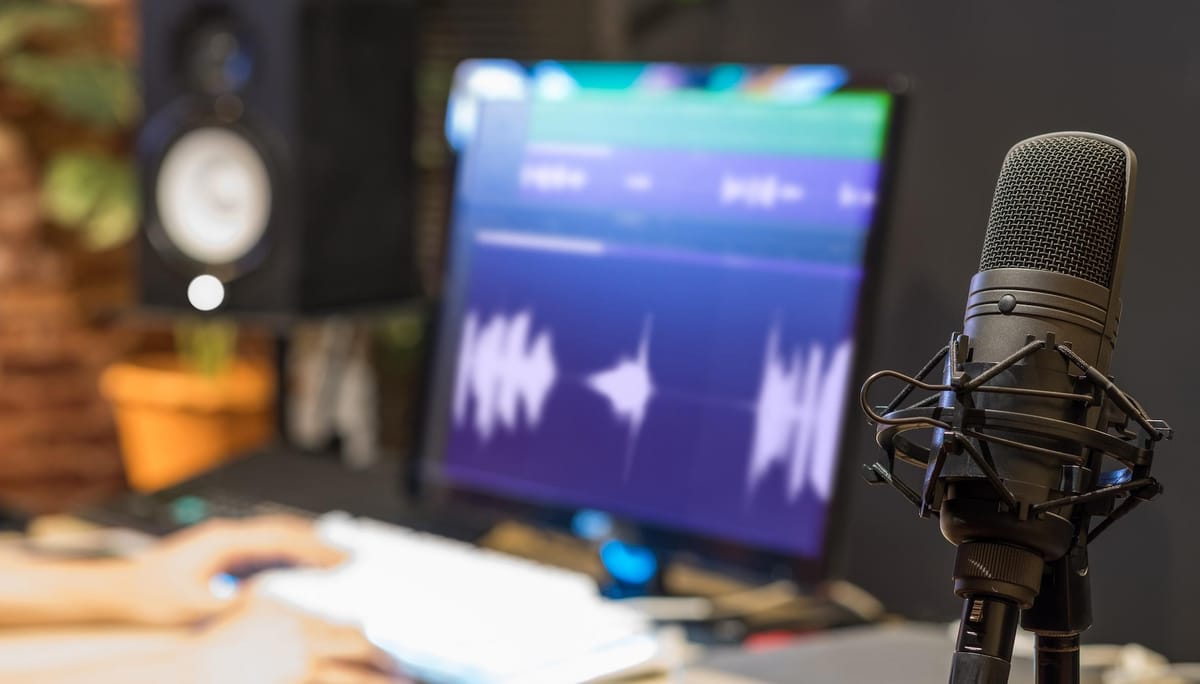
A good voiceover does more than explain what’s happening on screen. It guides attention, establishes the mood, and helps an audience connect with the message. But even a strong idea can fall flat when the script sounds unnatural, or the voice delivers every line with the same emphasis.
Writing for voice requires a different approach from writing for the page. Sentences need to sound natural when spoken, pauses must feel intentional, and the delivery should match the visuals and audience. When working with AI voice generators, you also need to describe the performance you want rather than simply entering a block of text.
Here’s how to write a voiceover script and create an effective voice prompt for different types of projects.
1. Define the Purpose Before Writing
Start by identifying what the voiceover needs to accomplish. Is it explaining a product, teaching a skill, telling a story, or encouraging viewers to take action? The answer determines the structure, language, length, and tone.
For example, an explainer video should make a concept easy to understand, while a product advertisement needs to communicate value quickly. A documentary may require a more measured delivery that gives viewers time to absorb information.
Establish three things before drafting:
- Audience: Who will listen, and what do they already know?
- Objective: What should they understand, feel, or do after listening?
- Tone: Should the narration sound informative, conversational, reassuring, energetic, or dramatic?
These decisions give the script a clear direction. They also help you choose a voice that suits the project’s purpose instead of selecting one based solely on how appealing it sounds.
2. Write for the Ear, Not the Page
Written language often contains long sentences, complex clauses, and formal transitions that become awkward when spoken aloud. A voiceover script should be easy to follow on the first listen because audiences cannot scan backward as easily as they can when reading.
Use familiar words, direct phrasing, and a mix of short and medium-length sentences. Keep one main idea in each sentence, especially when explaining technical information.
Compare these examples:
Written for reading: “The platform facilitates the efficient management of multiple tasks through a centralized interface.”
Written for speaking: “Manage multiple tasks from one place, without switching between different tools.”
The second version is easier to process when heard. It also communicates the benefit more directly.
Read your script aloud before generating the voiceover. If you run out of breath, stumble over a phrase, or need to reread a sentence to understand it, revise the wording. A script that sounds natural in your own voice is usually a stronger starting point for AI narration.
3. Structure the Script Around the Visuals
A voiceover should complement the images rather than describe everything the audience can already see. Before writing, outline the sequence of visuals and identify where narration adds useful context.
A practical structure for a short video is:
- Opening: Establish the problem, question, or central idea.
- Context: Explain why it matters to the audience.
- Main message: Deliver the key information in a logical sequence.
- Resolution: Show the outcome, takeaway, or next step.
For a 60-second video, you might begin with a relatable problem, explain the solution, demonstrate its value, and finish with a clear call to action. The visuals should influence the pacing. A fast montage may need concise lines and deliberate pauses between ideas. A scenic sequence might benefit from fewer words, allowing the images and music to carry more of the emotion. Avoid filling every second with narration. Silence can provide emphasis, create anticipation, or give viewers time to absorb an important visual.
4. Estimate the Length Before Recording
Voiceover length affects editing, scene timing, and the overall pace of a project. Writing too much can force you to rush the delivery, while writing too little may leave gaps that feel awkward.
A useful starting estimate for conversational English narration is approximately 130 to 160 words per minute. Slower educational content may need fewer words, while energetic promotional videos can move faster. These are planning estimates rather than fixed rules.
| Video duration | Approximate script length |
|---|---|
| 15 seconds | 30–40 words |
| 30 seconds | 60–80 words |
| 60 seconds | 130–160 words |
| 2 minutes | 260–320 words |
Allow additional time for pauses, transitions, and on-screen text. Technical explanations also tend to need more breathing room than simple promotional messages. Once the script is drafted, generate a test reading and compare its actual duration with the edit. Adjust the script or scene timing rather than forcing every line into an unrealistic pace.
5. Build a Voice Prompt That Describes the Performance
A voice prompt tells the AI how the narration should sound. Simply asking for a “professional voice” is rarely specific enough because professional delivery can mean anything from warm and conversational to authoritative and formal.
A useful prompt describes the qualities that matter for your project. Include these elements:
- Voice character: Warm, calm, bright, mature, or authoritative.
- Pacing: Slow and deliberate, conversational, or fast-paced.
- Emotion: Curious, reassuring, excited, serious, or reflective.
- Delivery: Intimate narration, polished commercial reading, or documentary-style storytelling.
- Audience and context: Who the voice is addressing and what the message needs to achieve.
For example, a product explainer might use this prompt:
“Use a clear, friendly adult voice with a natural conversational rhythm. Speak at a moderate pace, emphasizing practical benefits without sounding overly enthusiastic. Keep the delivery confident and approachable, with brief pauses between key points.”
This provides more direction than a list of adjectives because it connects the voice’s characteristics to the intended performance.
Match the Prompt to the Project
Different formats need different vocal approaches. An educational tutorial benefits from clear articulation and steady pacing, while a cinematic trailer may need stronger contrast, dramatic pauses, and a more intense delivery.
For a documentary, you could request a measured, thoughtful voice with restrained emotion and enough space between sentences for the visuals to register. For a social media advertisement, a prompt might specify an energetic but natural delivery, a slightly quicker pace, and clear emphasis on the main benefit.
Avoid contradictory instructions. Asking for a voice to sound simultaneously relaxed, urgent, extremely slow, and highly energetic can produce an inconsistent result. Choose one dominant delivery style and add only the secondary qualities the project genuinely needs.
6. Use Text-to-Speech Tools to Test and Refine the Voiceover
Once your script and voice prompt are ready, AI narration tools can help you test different voices and delivery styles without arranging a new recording session for every revision.
A text to speech tool converts written scripts into spoken audio. Depending on the platform, you may be able to select a voice, adjust pacing and emotional delivery, choose a supported language or accent, and regenerate individual lines when the script changes. This is particularly useful during video production. You can test whether a line fits a scene, compare a conversational reading with a more formal one, or revise a sentence without re-recording the entire narration. Some tools also support multilingual generation, which can help when adapting content for different audiences.
However, the first generated version should be treated as a draft. Listen for unnatural emphasis, mispronounced names, awkward pauses, and changes in tone between sentences. If a line sounds wrong, consider whether the problem comes from the voice settings or the script itself. Shortening a sentence or changing its punctuation can sometimes improve the delivery more effectively than repeatedly adjusting the voice prompt.
7. Refine the Script and Prompt Together
Scriptwriting and voice prompting work best as an iterative process. The script determines what is said, while the prompt guides how it is delivered. If either is unclear, the final narration may miss the intended effect.
Use this simple refinement process:
- Generate a first version using your chosen script and voice prompt.
- Listen to the complete recording while watching the visuals.
- Identify specific problems, such as rushed lines, flat emphasis, or awkward pronunciation.
- Change one or two variables at a time, such as sentence length, punctuation, or pacing.
- Generate another version and compare it with the original.
For example, if a key benefit sounds rushed, break the sentence into two shorter lines or add a natural pause before the important phrase. If the narration sounds overly dramatic, simplify the emotional instructions instead of rewriting the entire prompt.
Keep a record of successful prompts and settings for recurring projects. This makes it easier to maintain a consistent sound across a series of tutorials, advertisements, or branded videos.
8. Review the Audio Before Publishing
A technically clean recording is not necessarily a good voiceover. Before finalizing the project, check pronunciation, pacing, consistency, and how well the narration fits the visuals.
Listen for repeated words, clipped endings, unnatural pauses, and changes in emotional intensity. Verify names, numbers, abbreviations, and technical terms carefully. These details are easy to overlook when reviewing only the script.
Also check the mix. Background music and sound effects should support the narration rather than compete with it. If the audience has to strain to understand the words, reduce competing audio or adjust the voiceover level.
Finally, review the complete video rather than evaluating the audio in isolation. A line that sounds fine on its own may feel too long against a quick visual sequence. Make the final adjustments with the actual viewing experience in mind.
Final Thoughts
Writing an effective voiceover involves more than putting words on a page and selecting a voice. The script needs to sound natural, the structure must suit the visuals, and the voice prompt should describe a specific, achievable performance.
Start with a clear objective, write concise sentences, estimate the required duration, and give the AI precise direction about tone, pacing, and emotion. Then review the generated audio and refine the parts that do not work.
The strongest results come from treating the script and voice as two parts of the same creative decision. When the words, delivery, and visuals work together, the narration feels intentional rather than added as an afterthought.