How to Put Two Photos in One Frame

Maxime Dupré
6/18/2026
How to Put Two Photos in One Frame: Cards, Greetings and Collages Made Easy
To put two photos in one frame, upload both to an AI image combiner and describe how you want them arranged — side by side, one behind the other, or in a collage. The AI blends them into a single image, matching lighting and edges so it looks like one photo, ready to download for a card or post.
It is the easiest way to make a personal card or collage without learning design software. Here’s the quick how-to, plus ideas for what to make.
How to combine two photos in one frame
The trick that makes this effortless: you don’t drag layers around. You write what you want in plain English and the AI arranges it.
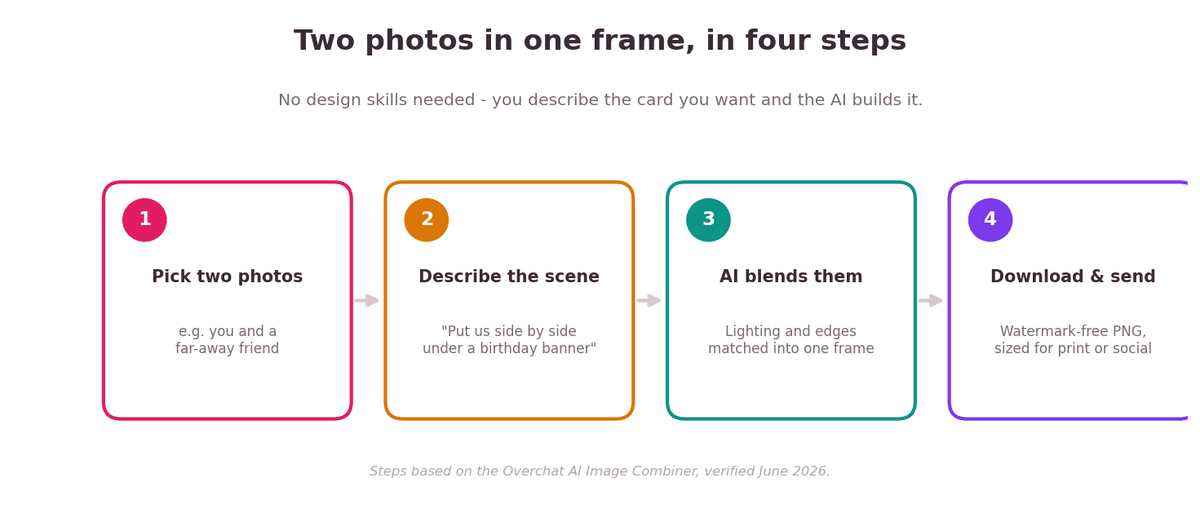
Four steps from two photos to a finished, sendable image.
Step 1: Choose your two photos
Pick the two shots you want together — you and a friend, a couple, a then-and-now pair. Clear, front-facing photos in good light blend best. Most tools accept JPG, PNG or WEBP.
Step 2: Describe the frame you want
In a combiner like Overchat’s, type how the two should sit together — “place us side by side,” “put me in front of this background,” or “make a two-photo collage.” You can two photos in one frame this way in seconds, and pick an aspect ratio to match a card, an Instagram post or a TikTok.
Step 3: Let the AI blend and download
The AI matches lighting, color and perspective so the two photos read as one picture rather than a paste-up. On Overchat the result downloads as a watermark-free PNG you own and can use on a printed card or anywhere online. A combine usually takes about 10–30 seconds.
It helps to know what sits behind the tool. Overchat’s combiner is one of 150+ purpose-built tools inside Overchat AI, an all-in-one app spanning image, video, audio and text generation that runs on the latest models from GPT, Claude, Gemini, Grok, Kimi and Qwen. It works on web, iOS and Android and is used by more than 350,000 people. If you would otherwise pay for separate ChatGPT, Claude and Gemini subscriptions, having them in one place is the draw, though for a single card you only need this one tool.
Ideas: what to make from two photos
Once two photos can share a frame, a lot of little gifts get easy. Here are six to start with.
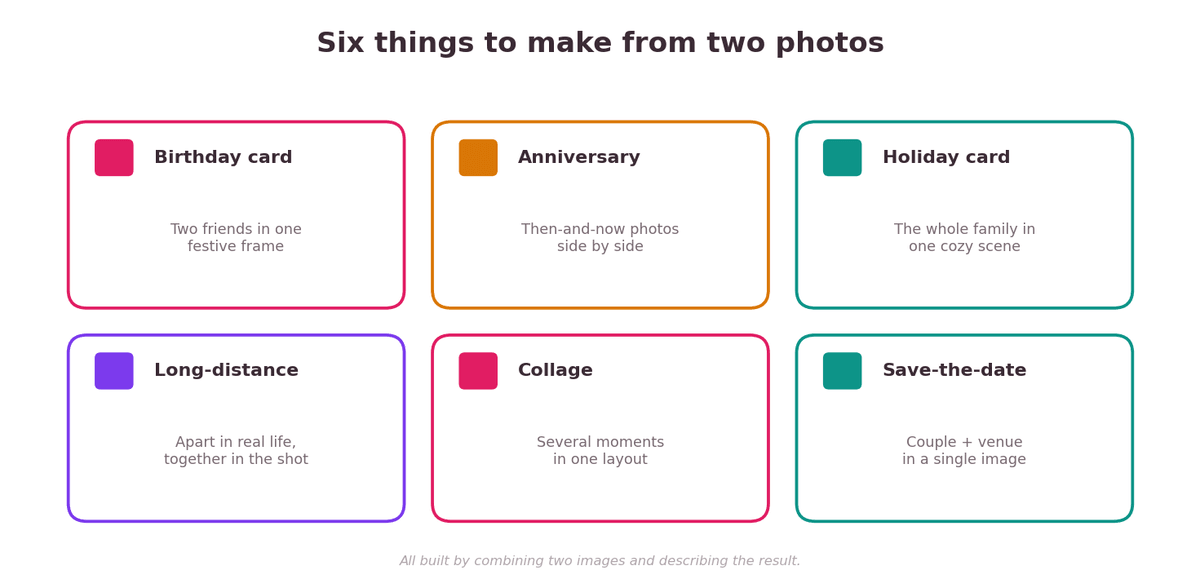
Six quick projects, all built by combining two images.
| Occasion | What to combine | Great for |
|---|---|---|
| Birthday card | Two friends, or the birthday person + a fun scene | A surprise group e-card |
| Anniversary | A then photo + a now photo | Showing how far you’ve come |
| Holiday / family card | Separate family shots into one cozy frame | When everyone wasn’t together |
| Long-distance love | Two solo selfies into one shared scene | Couples in different cities |
| Collage / memory board | Several moments in one layout | Graduations, trips, send-offs |
| Save-the-date | The couple + the venue or city | Wedding and event invites |
Pick the right size for where it’s going
Combining is half the job; sizing it for the destination is the other half. Most combiners offer a few ready aspect ratios — here’s which to choose.
| If it’s for… | Use this ratio |
|---|---|
| A printed greeting card | 3:4 portrait |
| An Instagram post | 1:1 square |
| A YouTube thumbnail or banner | 16:9 landscape |
| A TikTok or Reel | 9:16 vertical |
| A general document or slide | 4:3 standard |
Tips for a card that looks pro
- Use photos with similar lighting — two daylight shots blend more naturally than one sunny, one dark.
- Be specific in your description: name who goes where and what the background should be.
- Match the mood: ask for a festive, cozy or minimal feel to suit the occasion.
- Leave space for text if you’ll add a greeting — describe an empty area at the top or bottom.
- Generate twice and keep the cleaner blend before you add captions or print.
FAQ
How do I put two photos in one frame?
Upload both to an AI image combiner, describe the layout you want — side by side, one behind the other, or a collage — and the AI blends them into one image you can download for a card or post.
How do I combine two photos side by side?
Upload both and tell the tool to “place them side by side” or “put them next to each other,” then choose an aspect ratio. The AI arranges them horizontally in one frame.
Can I make a greeting card from two photos?
Yes. Combine the two photos, ask for a festive scene and leave space for text, then add your greeting. Export at a 3:4 portrait ratio for printing.
Will the combined photo have a watermark?
It depends on the tool. On Overchat, the combined image downloads as a watermark-free PNG you can use on cards, online or in print.
What photo files can I use?
Most combiners accept JPG, PNG and WEBP. On Overchat each image can be up to 10MB and the result comes out as a PNG.
Do I need design skills?
No. You describe the result in plain English instead of editing layers, so combining two photos takes seconds with no software to learn.
Sources
Combiner steps, supported file types (JPG/PNG/WEBP up to 10MB), PNG output, five aspect ratios, no watermark and commercial use verified on overchat.ai/image/ai-image-combiner, June 2026.
Disclosure: this guide features Overchat AI and links to its image combiner. Steps are based on the live tool at the time of writing.