How to Add Captions Automatically on TikTok?

Maxime Dupré
9/24/2026
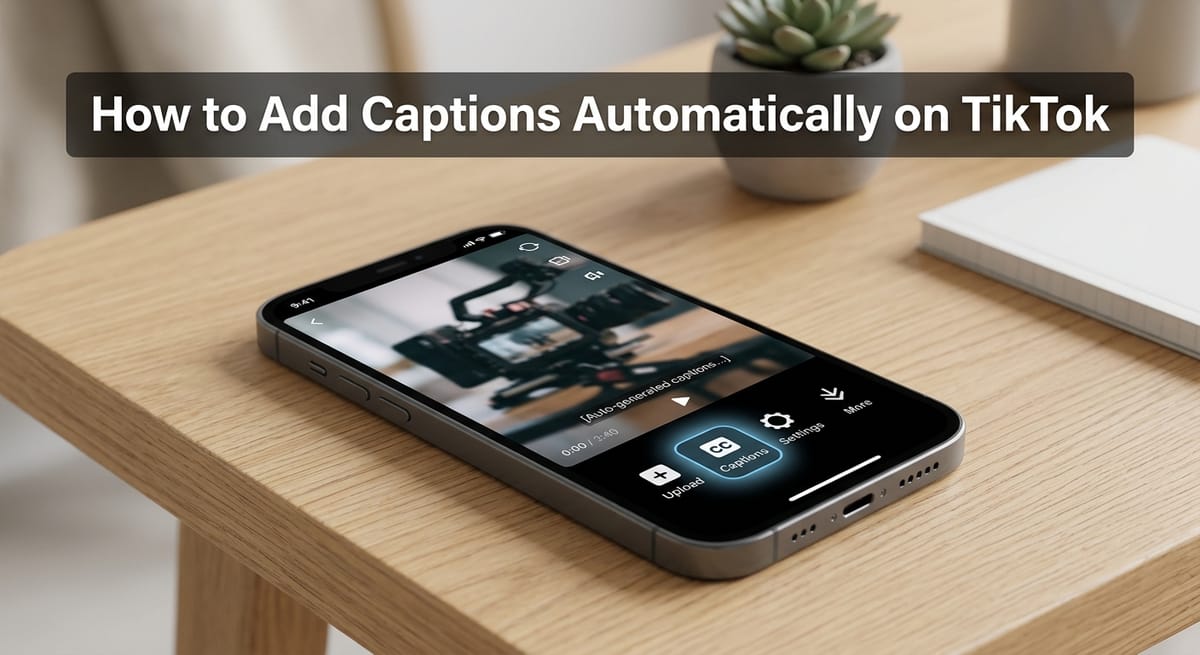
TikTok can turn your speech into on-screen text in a few seconds. The tool sits in the editing screen, costs nothing, and lets viewers hide the text if they want.
It has limits, though. Timing is locked, language choice is narrow, and errors slip through. When the built-in tool falls short, a video editor or the Text tool fills the gap.
How to Add Captions Automatically on TikTok, Step by Step
This is the fastest route. Everything happens inside the TikTok app on your phone.
Tap ”+” at the bottom. Hold the white circle to film, or tap the square in the lower right to pick a saved clip. Press the red “Next” button.
Tap “Captions” in the right-hand toolbar. If you can’t see it, press the down arrow for more tools. First-time users get a prompt to opt in.
Wait while TikTok transcribes the audio. Hollyland puts this at 10 to 30 seconds, based on clip length.
Tap any line to fix a word, then press play to check sync. Edits save as you go.
Use “Style” and “Format” near the bottom to change the look or the caption language.
Tap the red arrow, add a description and hashtags, and press “Post.”
One catch. The timestamps stay put. You can change what a line says, but not when it shows up, even if words and sound drift apart.
Why Don’t I See the Auto Captions Button on TikTok?
The Captions tool lives in the phone app. Clips uploaded from a desktop browser won’t get it.
Region and language count too. The button appears where TikTok supports auto captions for your device language, and some accounts sit in feature tests that change what they see.
File type is the next suspect. Upload H.264 MP4 files, update the app, and reinstall if the button still won’t appear.
Sometimes captions generate but never show on the post. Close TikTok, wait 10 to 20 minutes, and reopen it. If edits refuse to save, test your connection before you leave the screen.
Editing TikTok Auto Captions Within 7 Days of Posting
TikTok’s own captions stay editable after the video goes live. Open the post, tap the three dots (…), and pick “Edit Captions.” This works on posts from the past 7 days.
Burned-in text is a different story. It’s part of the picture, so the fix means deleting the video and posting a corrected copy. That stings when a clip already has views.
Position has a deadline as well. You can press, hold and drag captions to a new spot, but only before the clip is published.
Burned-In Auto Captions From Editors Like Riverside
Third-party editors transcribe your clip the same way TikTok does, then print the text into the video file. Riverside and Kapwing both work this way.
You get tighter timing, full control over font and position, and a file you can reuse on Instagram Reels and YouTube Shorts. The trade-off: viewers can’t switch the text off.
Upload or record the clip, open it under “Projects,” and choose “Edit.”
Set the ratio to 9:16 to match TikTok’s frame.
Click “Captions,” pick a preset, and set font, size and alignment. Fix wording in the left panel.
Export at 1080p, then share to TikTok by scanning the QR code with your phone.
Styled, burned-in text is now the norm in editing tools. OpusClip checked 12.2 million clips processed from January to March 2026, and the caption and voiceover layer data shows captions on 80.2% of them.
Animated captions made up almost all of that share. Static captions sat at 1.6%, and voiceover came last at 1.1%.
If you add a text-to-speech narrator voice to a clip, caption the same script. Muted viewers can then follow along.
Typing Captions by Hand When Auto Captions Miss
Manual text gives you full control over timing. It’s also slow, so it suits clips with a few short lines.
Tap ”+”, film or upload, and press “Next.”
Choose “Text,” type a line, then tap it and pick “Set duration.”
Move the slider to set when the line shows and hides. Repeat for each line.
Replay the clip, fix anything out of sync, and post.
TikTok Captions vs Subtitles vs Descriptions
Strictly speaking, captions cover speech plus sounds like music and effects. Subtitles show speech alone. TikTok’s tool writes speech only, so it makes subtitles, even though the app calls them captions.
TikTok also uses “caption” for the post description. That text works on its own terms. Metricool’s 2026 study found question-style descriptions drew 26.19% more comments, as this comment-to-view ratio breakdown reports.
Do Auto Captions Help TikTok Views and Search?
They do. According to Riverside, 75% of users watch with the sound off, and captions lift impressions by more than 55%.
Search is a big part of that. TikTok reads caption text to work out what a clip covers, which helps in TikTok search and on Google, since Google can’t watch video. It matters on an app where 64% of Gen Z use TikTok as a search engine.
Retention is the other reason. Only 6.3% of TikTok videos were watched to the end in 2026, per Metricool figures in this second-by-second abandonment analysis. On-screen words give scrollers a reason to stay.
Captions also help viewers with hearing loss. Noise, fast talk and strong accents matter less when the words are right there.
Tips for More Accurate TikTok Auto Captions
Clear audio cuts more errors than any edit. Record close to the mic and away from loud music.
Set the caption language to the one you speak. TikTok allows one caption set per upload, so a wrong pick affects the whole clip.
Stick to a plain font like Arial, Calibri or Tahoma. White text over dark areas reads best, and short lines should stay clear of key visuals.
Your first line doubles as a hook. Clips holding 70% to 85% of viewers through the first three seconds earn 2.2 times more views.
Proofread twice before posting. Speech tools trip over names, slang and technical terms.
FAQs
Why can’t I add auto captions on TikTok?
The Captions tool appears only in the phone app, for supported languages and regions. Update the app, post from your phone, and upload H.264 MP4 files. Reinstall TikTok if the button still doesn’t show.
How do I turn on auto captions when watching TikTok?
Tap Profile, open the menu in the top right, and go to Settings and privacy. Open Accessibility and switch captions on. Captions then appear on videos where creators generated them.
Can one TikTok have captions in more than one language?
No. TikTok allows one caption set per upload and, unlike YouTube, accepts no extra caption files. Post a separate version of the video for each language.
Are TikTok auto captions free?
Yes. The Captions tool costs nothing and runs inside the app. Riverside’s Free Plan also captions unlimited video, with more control over timing and styling than TikTok offers.
Are Reddit fixes for missing TikTok captions worth trying?
Treat Reddit threads as a starting point. The fixes that hold up match TikTok’s own: update the app, post from a phone, pick the language you speak, and upload H.264 MP4 files.